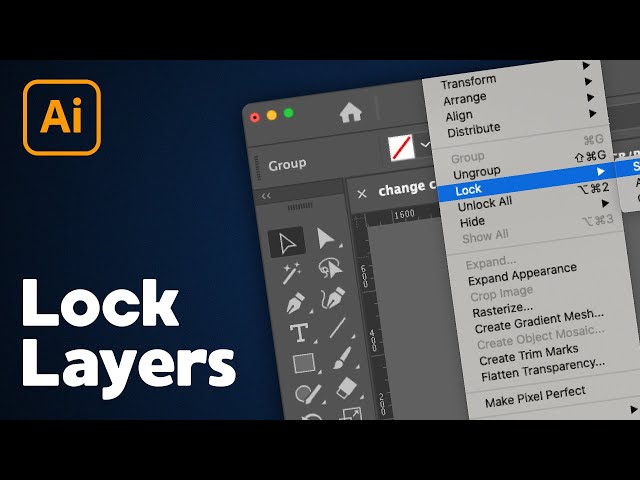

How to Lock & Unlock Layers in Illustrator
Mar 15, 2023

In this Illustrator tutorial, learn how to lock layers and unlock layers in Adobe Illustrator. You can lock individual objects and layers easily with the lock shortcut key or by using the layers panel in Illustrator!
Check out my Illustrator classes on Skillshare! https://bit.ly/PBSkillshare
New to graphic design? Try Canva Pro for free! https://bit.ly/PBCanva
MY TUTORIAL CHANNELS //
• Main Channel: https://bit.ly/PixelAndBracketYT
• Illustrator: http://bit.ly/PBIllustrator
• Photoshop: http://bit.ly/PBPhotoshop
• InDesign: http://bit.ly/PBInDesign
• Premiere Pro: http://bit.ly/PBPremierePro
• After Effects: http://bit.ly/PBAfterEffects
CLASSES //
• Illustrator for Beginners: https://bit.ly/Illustrator5Essentials
• Photoshop for Beginners: https://bit.ly/Photoshop5Essentials
More tutorials here: https://pixelandbracket.com
Some of the links above may help support this channel through a small affiliate commission at no extra cost to you!
Show More Show Less